Features
How your day becomes your line.
01 · Rediscover your day
One look back. And you’re there again.
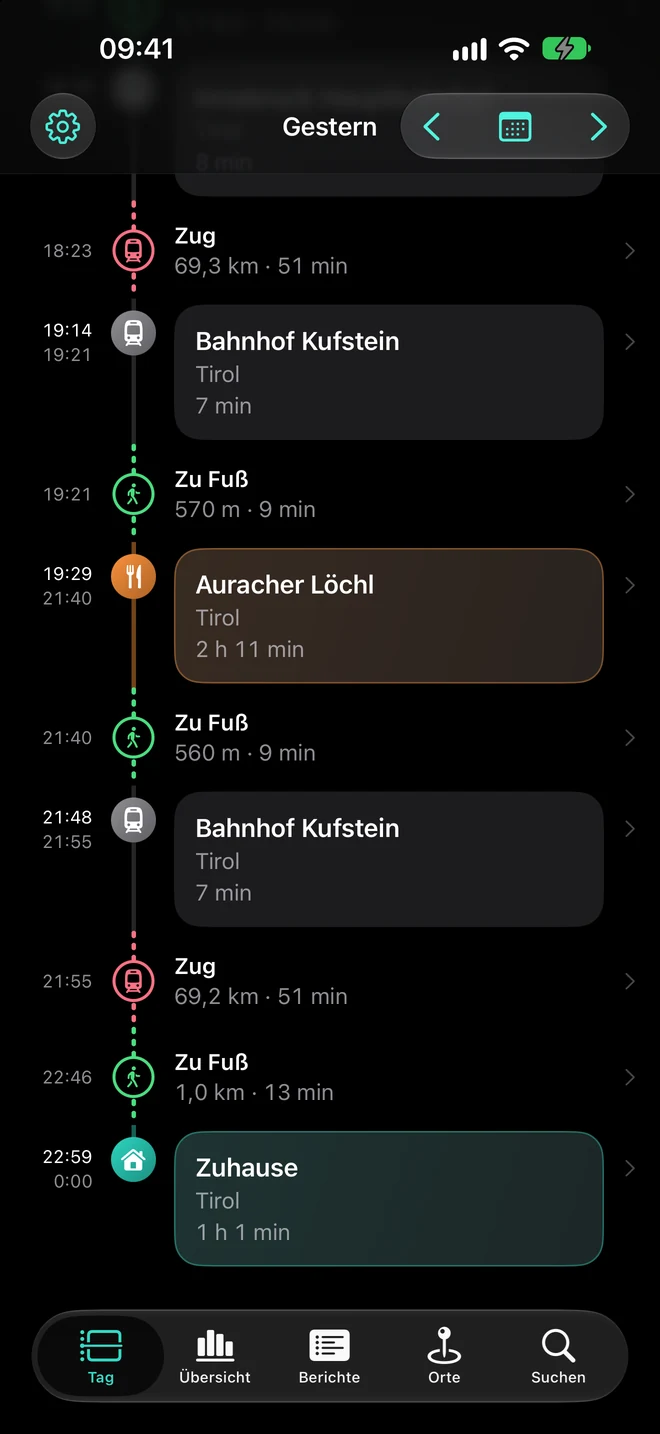
To work in the morning, lunch at noon, the train to Kufstein in the evening: Lifeline connects places and journeys into a day you recognise.
- Visits and journeys automatically in chronological order – with a map and time spent.
- Modes of transport are detected and can be corrected. Lifeline remembers corrections for recurring routes.
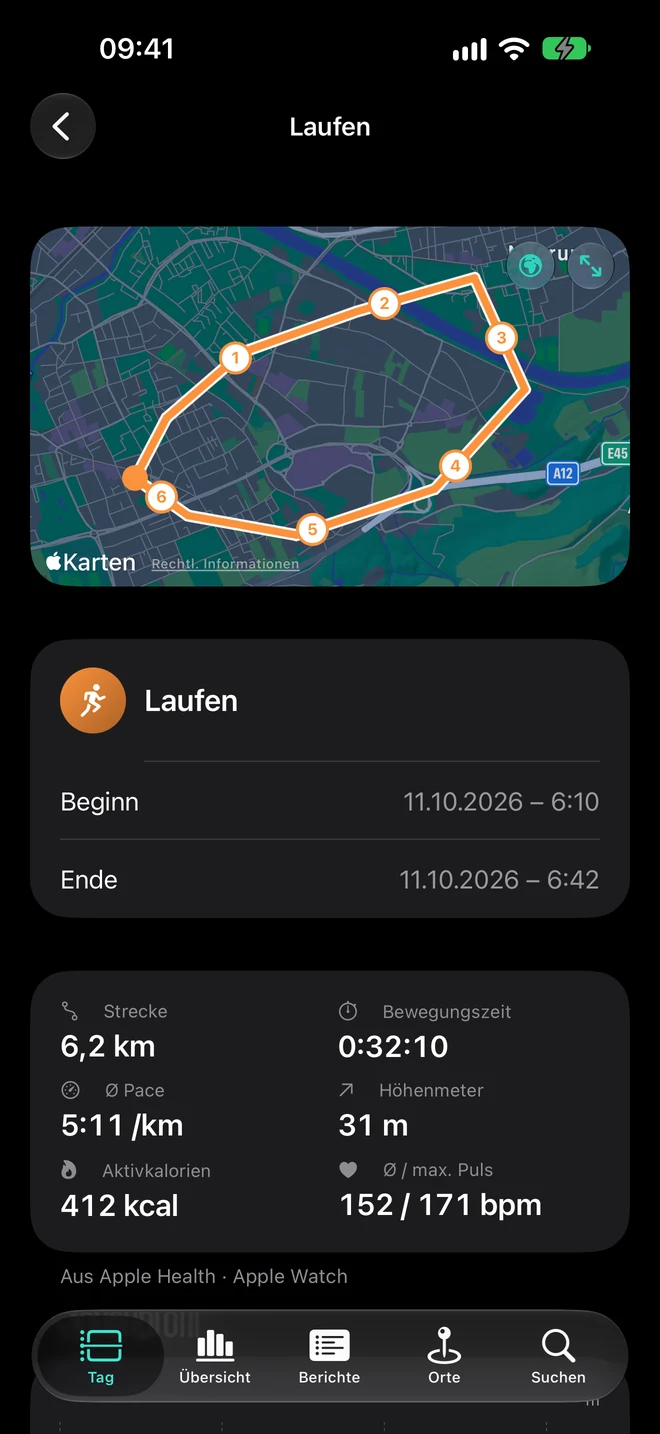
- Optionally, matching photos and workouts from Apple Health right in your day.
Transfers and large venues too
Trade fairs, airports or public transport: stops that belong together can be bundled into one visit. Station hints and location gaps help classify journeys – even if not every transfer and every stretch can be captured.
Connect Photos and Apple Health
Photos only appear with your permission from your library. Workouts show their route and – where available – distance, pace, elevation, calories and heart rate. Steps and sleep can complement them.
Your day at a glance
Widgets for the Home and Lock Screen show your day without opening the app.
02 · Find places again
Where was that restaurant again?
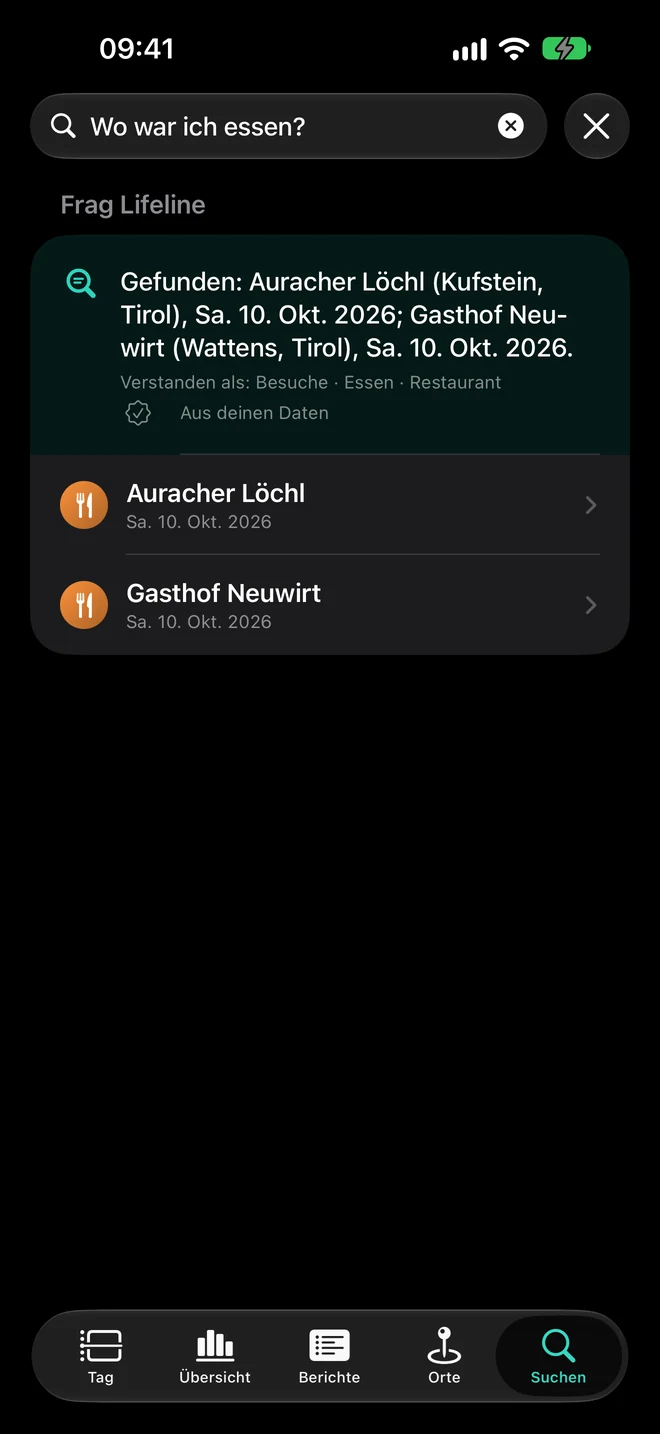
Can’t remember the name? Search your history or simply ask: Where did I eat?
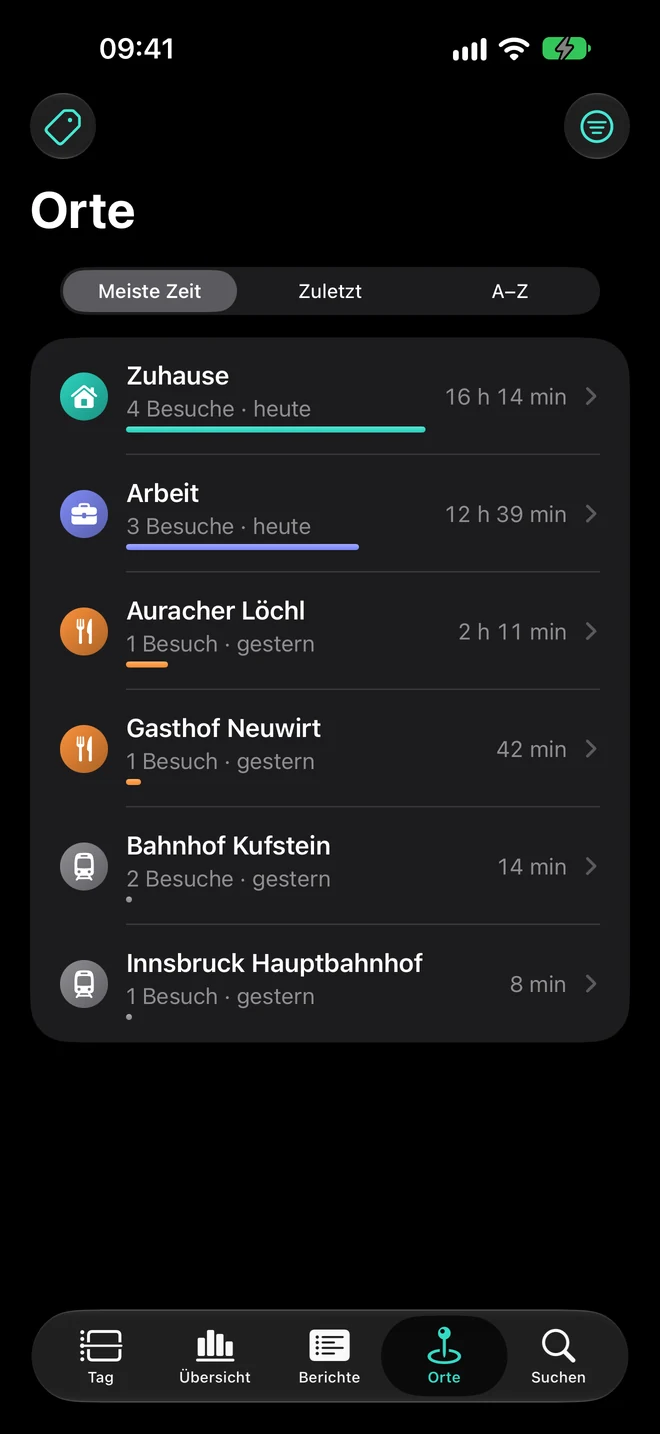
- Quickly find saved places and matching visits.
- Your own place names, tags with colours and symbols, notes and stars.
- Search places, tags and notes, and ask questions in your own words.
What does Apple Intelligence need?
Basic search works independently. Advanced answers in your own words depend on device, language and region.
03 · See your everyday life
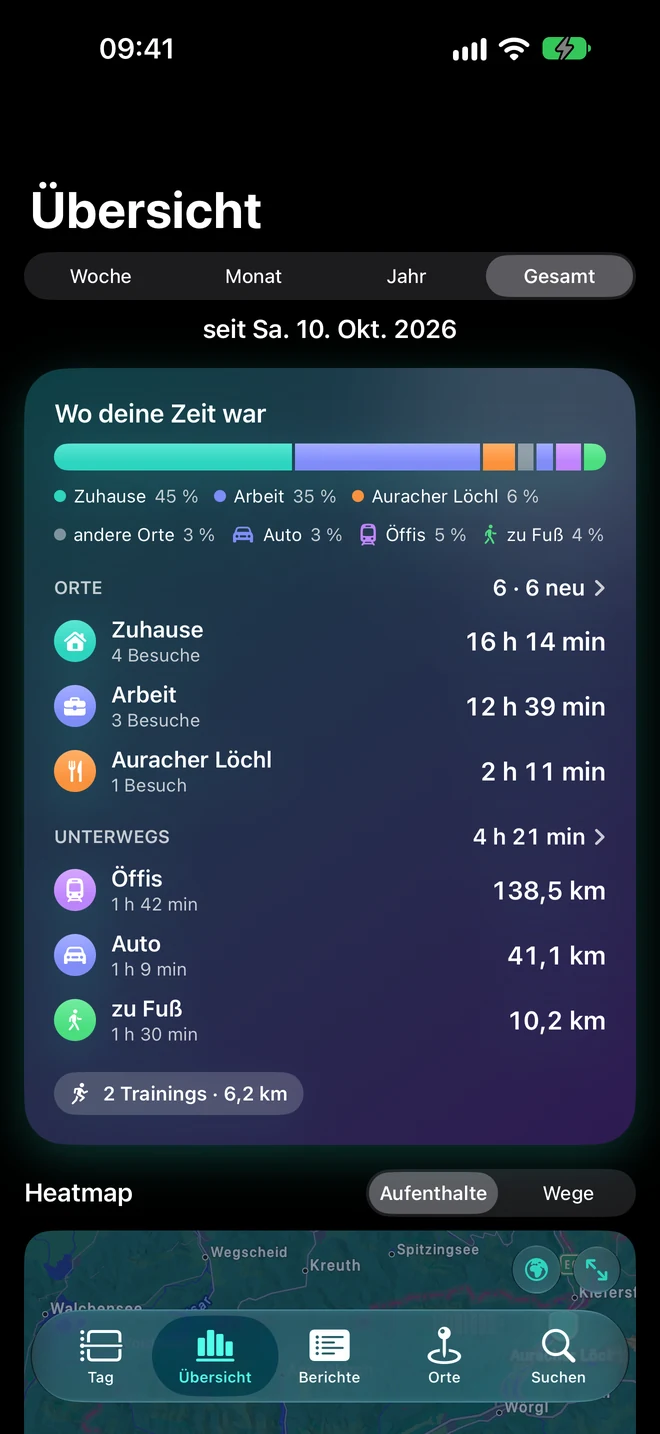
Where your time went.
Which places did you visit often? How long were you there, and which distances did you cover?
- Week, month, year or all time – with key figures and comparison to the previous period.
- Frequent places, time by tag and distance by mode of transport, plus a heatmap for visits and journeys.
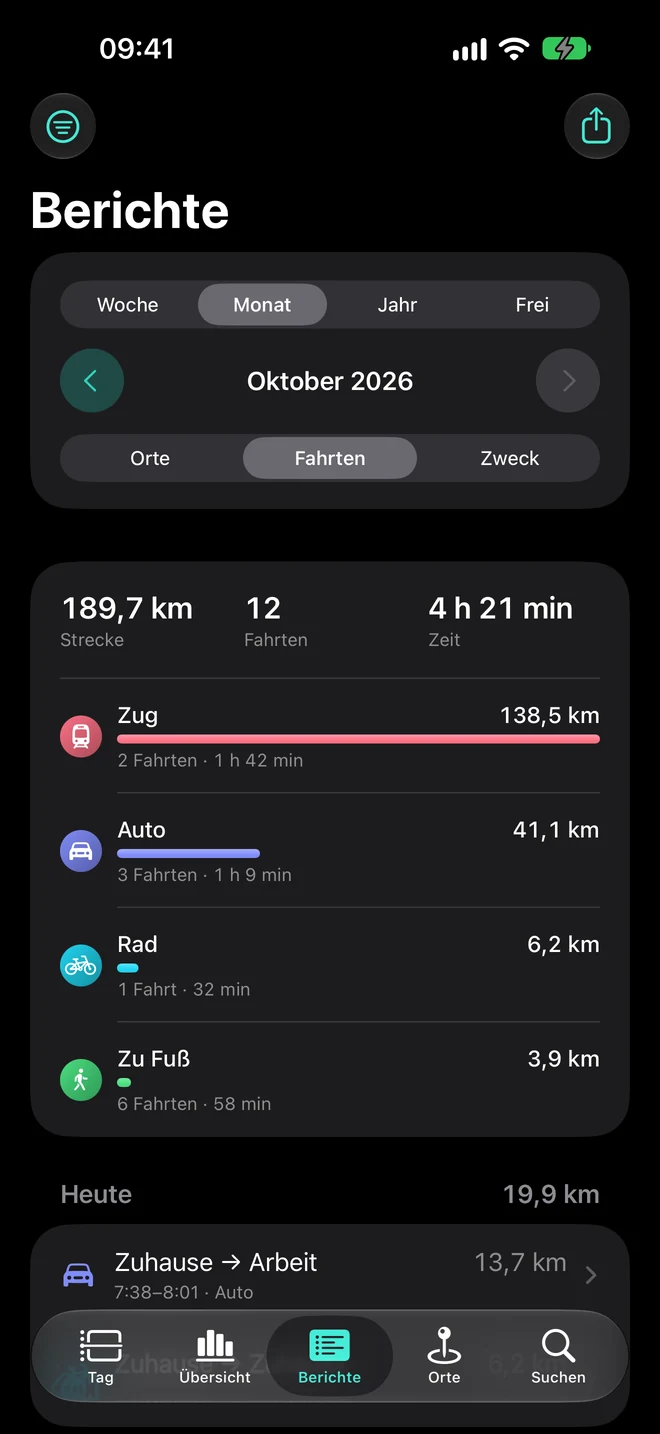
- Reports by places, trips and purpose, with a custom period and CSV export.
Sort private and business
Assign trips to purposes and vehicles and filter your reports accordingly. Lifeline is not a tax-compliant mileage log.
Look back on Sunday
If you like, a notification on Sunday evening reminds you of your weekly review.

Ready for your line?
Try the beta on TestFlight- 1.Install TestFlight
- 2.Open the Lifeline beta
- 3.Set up location access
For iPhone · iOS 26 or later